What is "Use Print Layout"? The Secret to Better PDFs
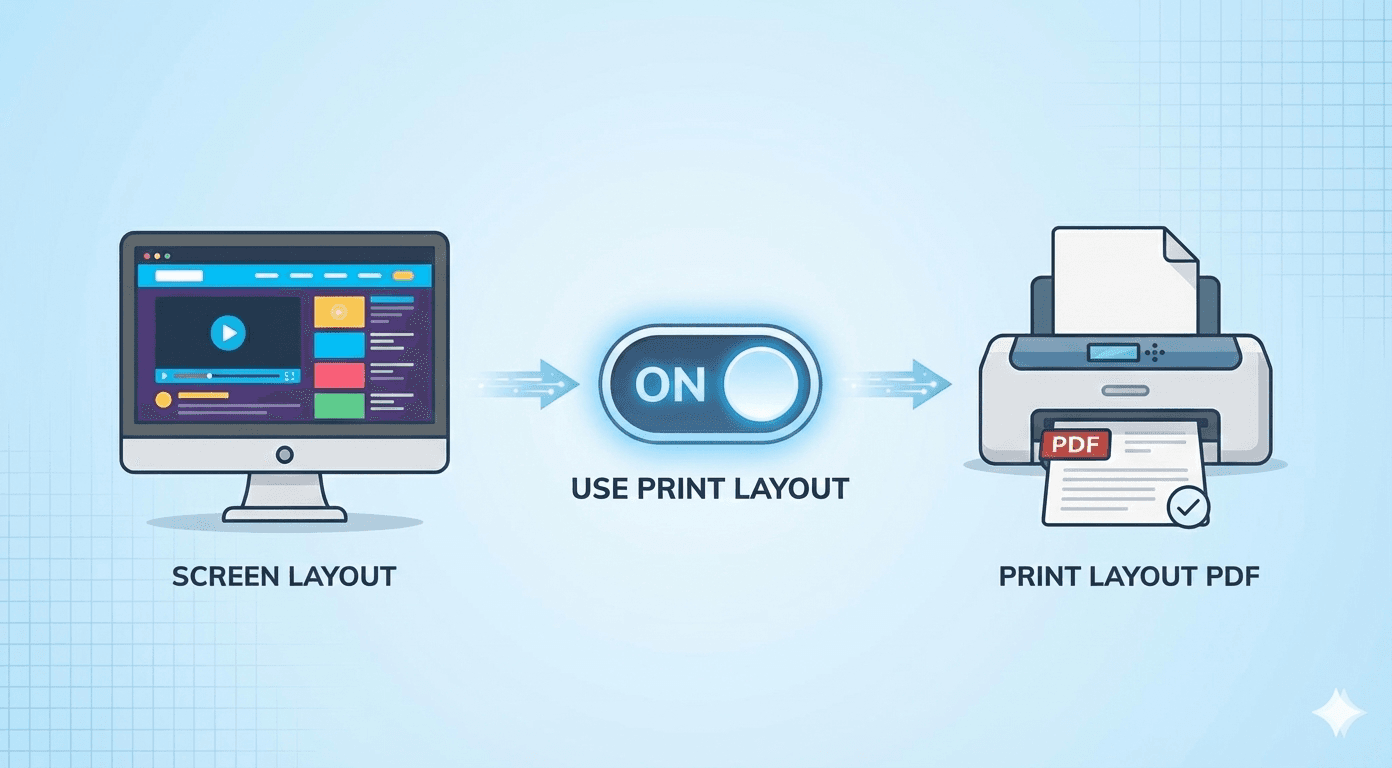
You paste a URL into our converter. The webpage has a dark background, a bright blue navigation bar, and a video playing in the corner.
But when you click "Convert," the resulting PDF has a white background, black text, and the video is gone.
What happened? Did the tool break?
No—it did exactly what it was supposed to do. It used the Print Layout. Understanding this hidden feature is the key to mastering web-to-PDF conversion.
Two Costumes, One Website
Almost every modern website has two different "costumes" it can wear, depending on who is looking at it.
1. The Screen Costume (@media screen)
This is what you see in your web browser. It is designed for:
- Interactivity: Buttons, hover effects, and menus.
- Engagement: Bright colors, background images, and videos to keep you interested.
- Navigation: Sidebars and footers to help you click around.
2. The Print Costume (@media print)
This is a special set of instructions hidden in the website's code. It tells a printer how to save ink and paper. It is designed for:
- Readability: High contrast (black text on white background).
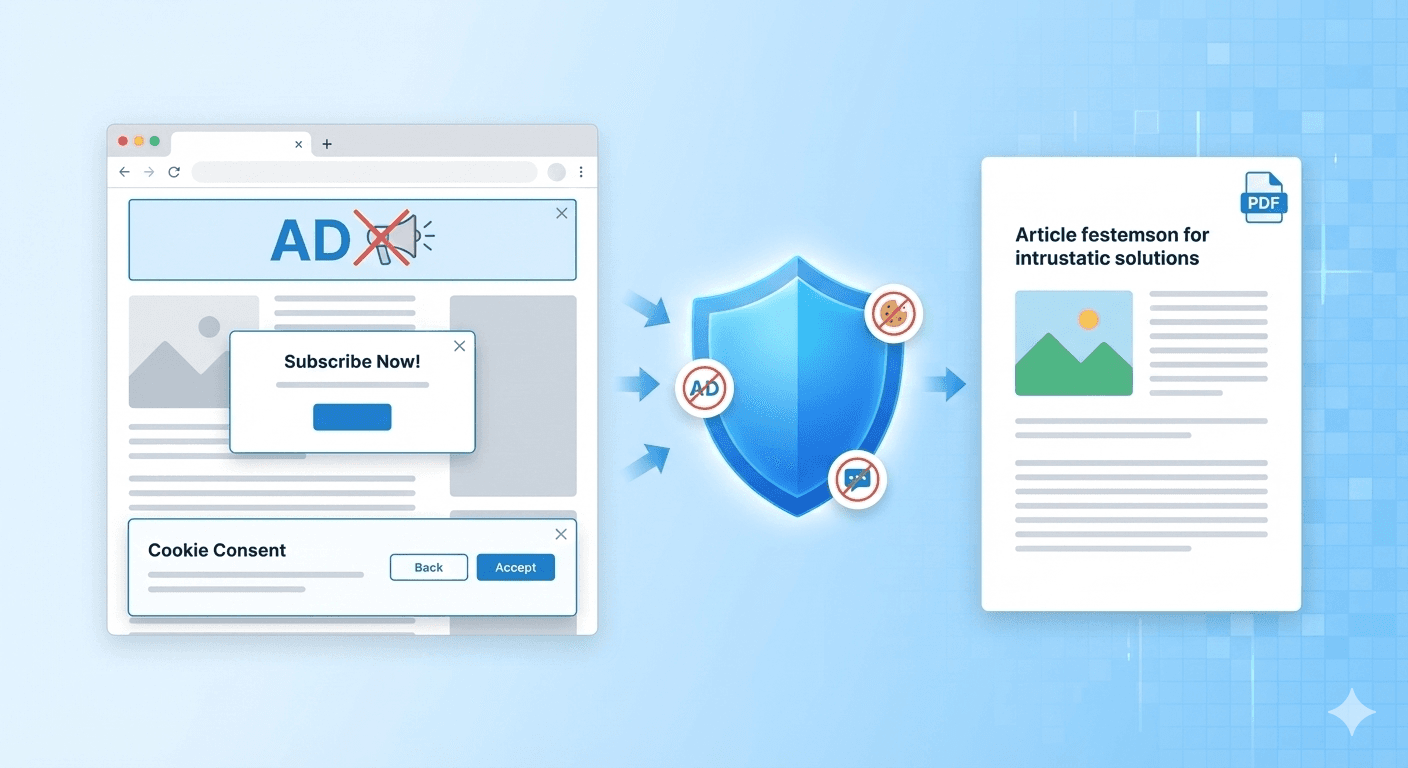
- Efficiency: Hides navigation bars, ads, and large background images.
- Static Use: Hides videos and interactive forms.
How Our Tool Gives You Control
Most converters just guess which one you want. FreeWebToPDF.com gives you a choice with the "Use Print Layout" checkbox.
Option A: Checked (The Default)
"I want to read this later."
When this is checked, we tell the website, "We are a printer." The website swaps into its Print Costume.
- Best for: Articles, recipes, receipts, and blog posts.
- Result: A clean, professional-looking document.
Option B: Unchecked
"I want to save exactly what I see."
When you uncheck this box, we force the website to keep wearing its Screen Costume, even though we are putting it into a PDF.
- Best for: Capturing visual bugs, saving design inspiration, or keeping "evidence" of exactly how a site looked at a specific moment.
- Result: A pixel-perfect copy of the browser window, including colorful backgrounds and sidebars.
Which One Should You Use?
- 90% of the time: Keep "Use Print Layout" CHECKED. It saves ink (if you print it later) and makes the text much easier to read.
- 10% of the time: If the "Print" version looks broken, or if you specifically want the background graphics and colors, UNCHECK it.
Want to see the difference yourself? Go to FreeWebToPDF.com, uncheck the box, and see how your favorite website changes!